!Microphone – symbol of local voice processing
Photo: Holger.Ellgaard, Wikimedia Commons, CC BY-SA 3.0
Voice Control Without the Cloud: Is That Really Possible?
Alexa, Google Home, Siri — they all work well, but share one common denominator: your voice commands end up on someone else’s servers. In the smart home context, where commands like “turn off the bedroom light” or “unlock the front door” are the norm, that’s unnecessary data sharing.
The good news: in 2026, a fully local voice assistant is no longer a DIY project requiring hours of configuration. With Home Assistant’s Wyoming protocol, Whisper for speech recognition, Ollama as the LLM backend, and Piper for text-to-speech, you have all the ingredients — and the Raspberry Pi 5 is powerful enough to process everything locally.
The Architecture: Four Building Blocks, One System
Microphone → [STT] Whisper → [LLM] Ollama → [TTS] Piper → Speaker
                 ↕                ↕               ↕
             Wyoming Protocol ← Home Assistant Assist
The Wyoming protocol is the glue: it defines how Home Assistant communicates with external STT, TTS, and wake word services. All components run as Docker containers on the home server and are automatically discovered by HA.
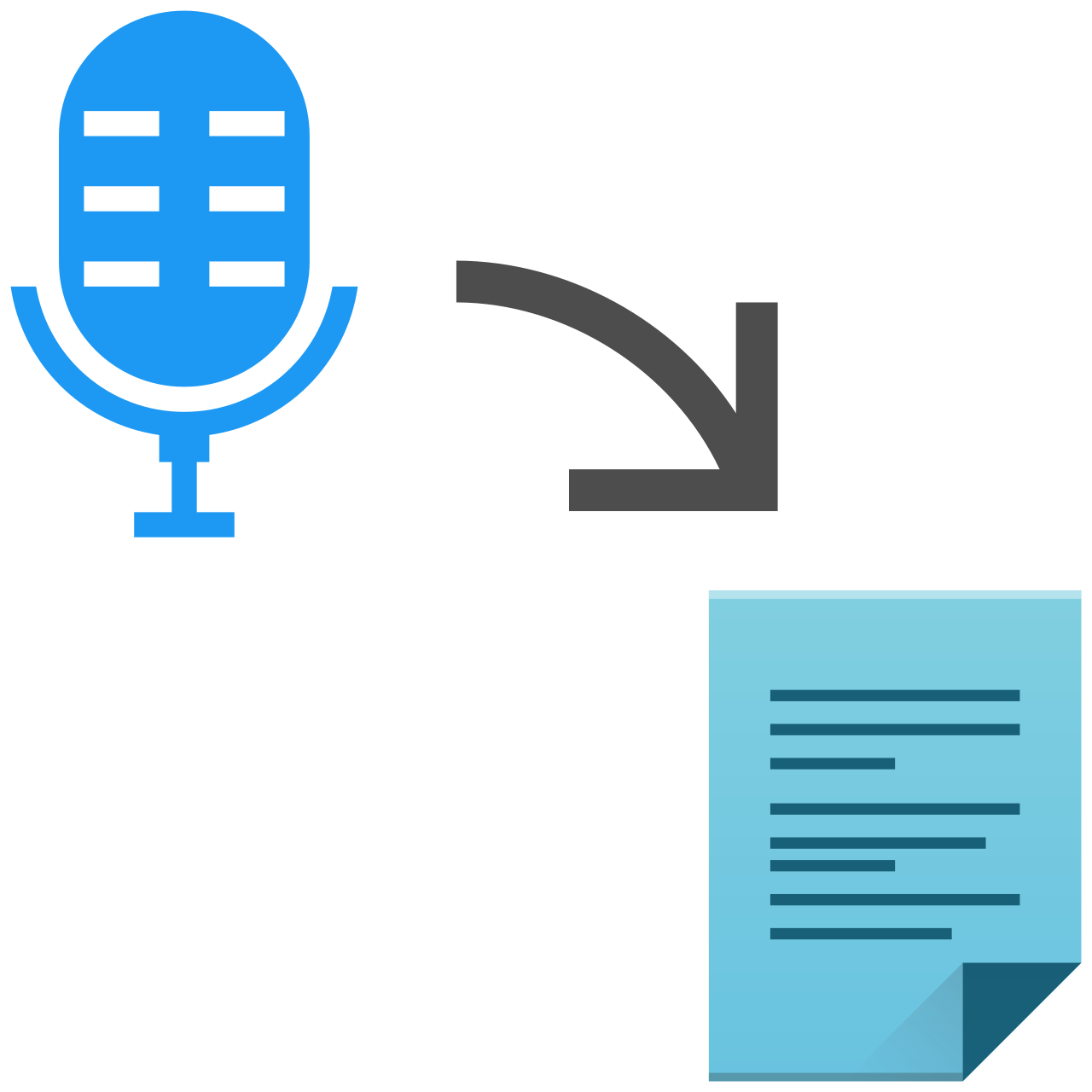
Illustration of the speech-to-text pipeline. Wikimedia Commons, LGPL
Block 1: Whisper (Speech-to-Text)
wyoming-faster-whisper is the recommended STT component for HA. It’s built on faster-whisper — a CTranslate2 reimplementation that runs up to 4x faster than the original PyTorch model on CPU.
Model recommendations for Pi 5:
| Model | RAM Required | Quality |
|---|---|---|
tiny |
~1 GB | for testing |
small |
~2 GB | good balance |
large-v3-turbo |
~3 GB | recommended (almost as good as large-v3) |
The large-v3-turbo model is OpenAI’s smart reduction of large-v3 from 32 to 4 decoder layers — nearly the same recognition accuracy, significantly less RAM. For non-English languages it’s clearly the first choice.
Block 2: Ollama (Language Model)
Ollama runs as a Docker container and exposes an OpenAI-compatible API. Home Assistant has had a native Ollama integration since 2024, which uses the LLM directly as a conversation agent in the Assist pipeline.
Model recommendations for voice assistants:
- Pi 5, 8 GB RAM:
llama3.2:3b(~2 GB) orgemma3:1b(~800 MB) - Pi 5, 16 GB RAM:
llama3.1:8b(~5 GB) for better language comprehension quality - Specifically for HA control:
fixt/home-3b-v3— a model fine-tuned for home automation commands that returns device states as function calls
Response times are honest: llama3.2:3b takes 5–15 seconds on the Pi 5 for a short reply. That’s borderline for a voice assistant, but acceptable — especially when the server is dedicated and has no other load spikes.
Block 3: Piper (Text-to-Speech)
Piper is the Open Home Foundation’s neural TTS system, optimized for embedded hardware. A typical sentence is synthesized on the Pi 5 in under one second. Many languages are supported with multiple voices at different quality levels:
en_US-lessac-high— high quality American English male voiceen_US-amy-medium— medium quality female voiceen_GB-alan-medium— British English male voice
Block 4: wyoming-satellite (optional, but useful)
Don’t want to plug a microphone directly into the home server, but want voice input and output in multiple rooms? wyoming-satellite turns an inexpensive Raspberry Pi Zero 2W with a USB microphone into a distributed voice satellite. Audio streams go over LAN to the server; processing stays centralized.
Setup: Docker Compose in 30 Minutes
All components can be set up as a Docker stack. Here’s a complete Compose file for the home server:
version: "3.8"

services:
  wyoming-whisper:
    image: rhasspy/wyoming-faster-whisper
    ports:
      - "10300:10300"
    volumes:
      - whisper-data:/data
    environment:
      - WHISPER_MODEL=large-v3-turbo
      - WHISPER_LANGUAGE=en
    restart: unless-stopped

  ollama:
    image: ollama/ollama
    ports:
      - "11434:11434"
    volumes:
      - ollama-data:/root/.ollama
    restart: unless-stopped

  wyoming-piper:
    image: rhasspy/wyoming-piper
    ports:
      - "10200:10200"
    volumes:
      - piper-data:/data
    environment:
      - PIPER_VOICE=en_US-lessac-high
    restart: unless-stopped

volumes:
  whisper-data:
  ollama-data:
  piper-data:
After startup:
# Pull the Ollama model
docker exec ollama ollama pull llama3.2:3b
# or for HA-specific control:
docker exec ollama ollama pull fixt/home-3b-v3
Configuring Home Assistant
1. Add Wyoming integration: Settings → Integrations → Wyoming Protocol
– STT:
– TTS:
2. Add Ollama integration: Settings → Integrations → Ollama
– URL: http://
– Model: fixt/home-3b-v3 or llama3.2:3b
3. Create Assist pipeline: Settings → Voice → Assist
– Speech recognition: Wyoming (wyoming-faster-whisper)
– Conversation agent: Ollama
– Text-to-speech: Wyoming (wyoming-piper)
After that, any HA device with a microphone — or a satellite Pi in the hallway — can accept voice commands.
Realistic Performance Numbers
On a Raspberry Pi 5 with 16 GB RAM and SSD:
| Phase | Duration |
|---|---|
| Wake word detection | <100 ms (openwakeword) |
| STT (large-v3-turbo, short sentence) | 1–3 s |
| LLM response (llama3.2:3b) | 5–15 s |
| TTS (Piper, one sentence) | <1 s |
| Total | ~7–20 s |
That’s not Alexa-fast. Users wanting shorter latency can drop to smaller models (gemma3:1b + small Whisper) and accept slightly lower quality — or use Speaches as a combined STT/TTS server that mimics the OpenAI API and integrates with n8n and other tools.
When Is It Worth It?
A local voice assistant is worth it primarily when:
- Privacy is a priority — not a single voice fragment leaves the home network
- Reliability without internet matters — no outage during cloud disruptions
- HA integration is the focus — no other assistant knows your HA entities as well as a directly integrated local LLM
- You already run a home server — the additional load is manageable
Those who primarily want to play music, set timers, or check the weather will find a cloud solution more convenient day-to-day. The local assistant shines with complex HA commands: “Turn all lights on the ground floor to 30 percent and close the blinds” — a sentence that locally trained models like home-3b-v3 can directly translate into HA actions.
Sources and Further Reading
- Wyoming Protocol — Home Assistant Docs
- Ollama Integration — Home Assistant
- wyoming-faster-whisper — GitHub
- wyoming-piper — GitHub
- wyoming-satellite — GitHub
- Speaches (STT/TTS API Server) — GitHub
- home-llm (HA-specific LLM fine-tuning) — GitHub
- Piper TTS — GitHub
- whisper-large-v3-turbo — Hugging Face